Amazon review requests,
sent automatically.
ReviewLoop connects to your Amazon Seller account and clicks Amazon’s own Request a Review button on every eligible order, at the timing you choose.
First 100 requests free · then 2p per request sent · no fixed monthly fee
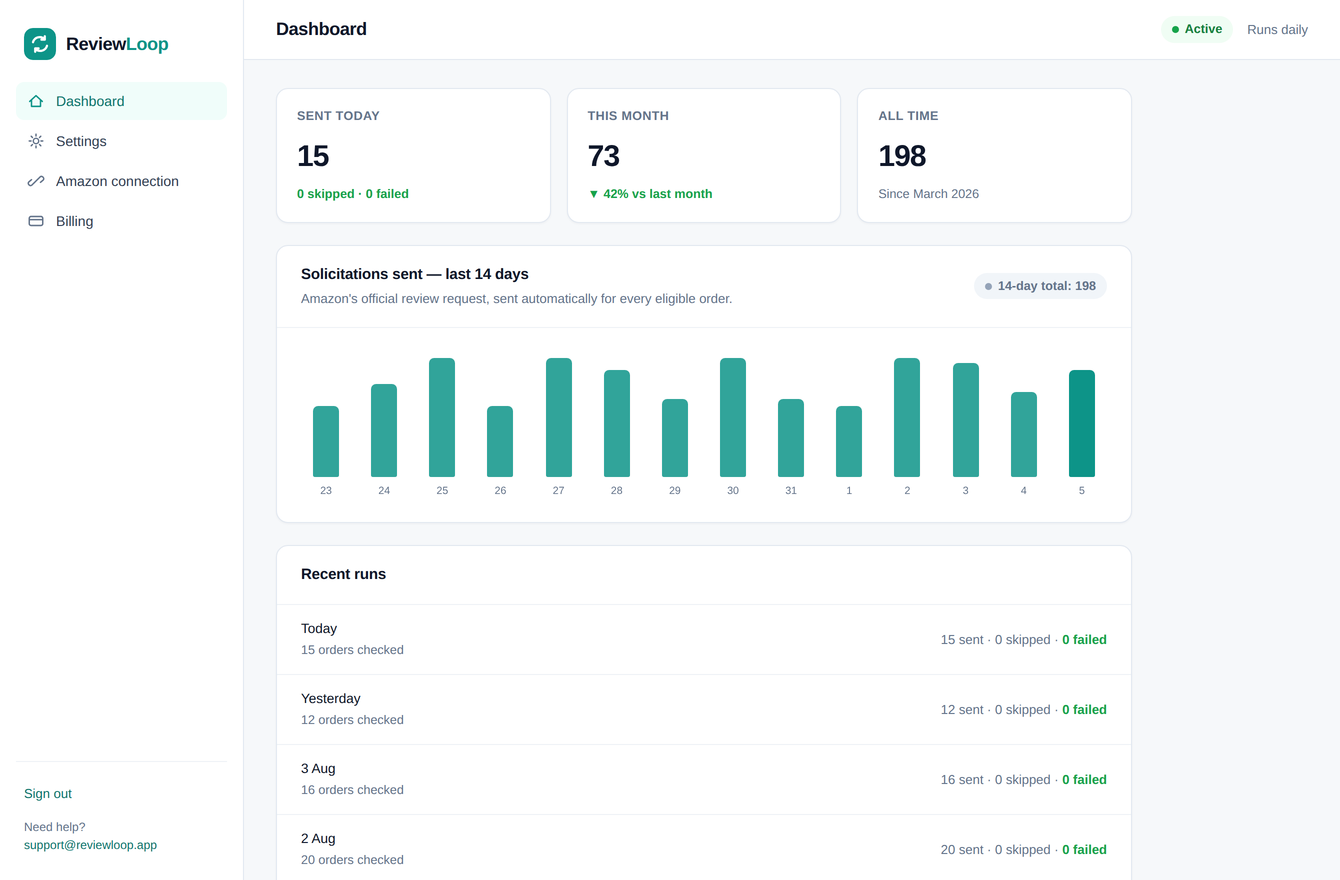
Amazon lets you ask for a review,
but it’s a manual, time-consuming process.
Every eligible order has a Request a Review button sitting in Seller Central, and it stays available for a narrow window before it disappears. Clicking it by hand, order by order, every day, is the sort of job nobody keeps up for long.
ReviewLoop just keeps clicking it.
Set it up once, then leave it to run
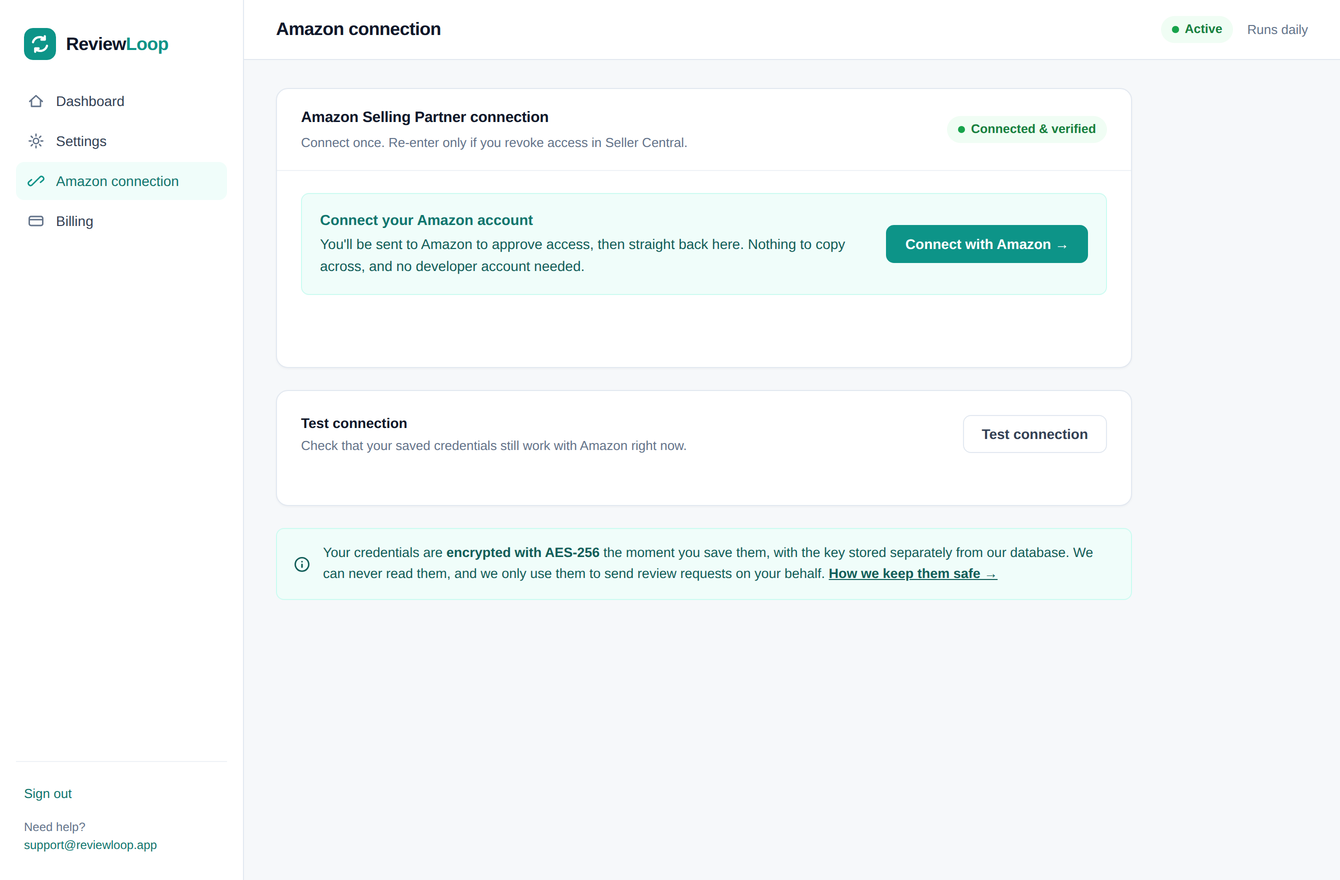
Connect your Amazon account
One click through Amazon’s own authorisation screen — nothing to copy across. The access Amazon gives us is encrypted the moment it’s stored, with the key held separately from the database.
Choose marketplaces and timing
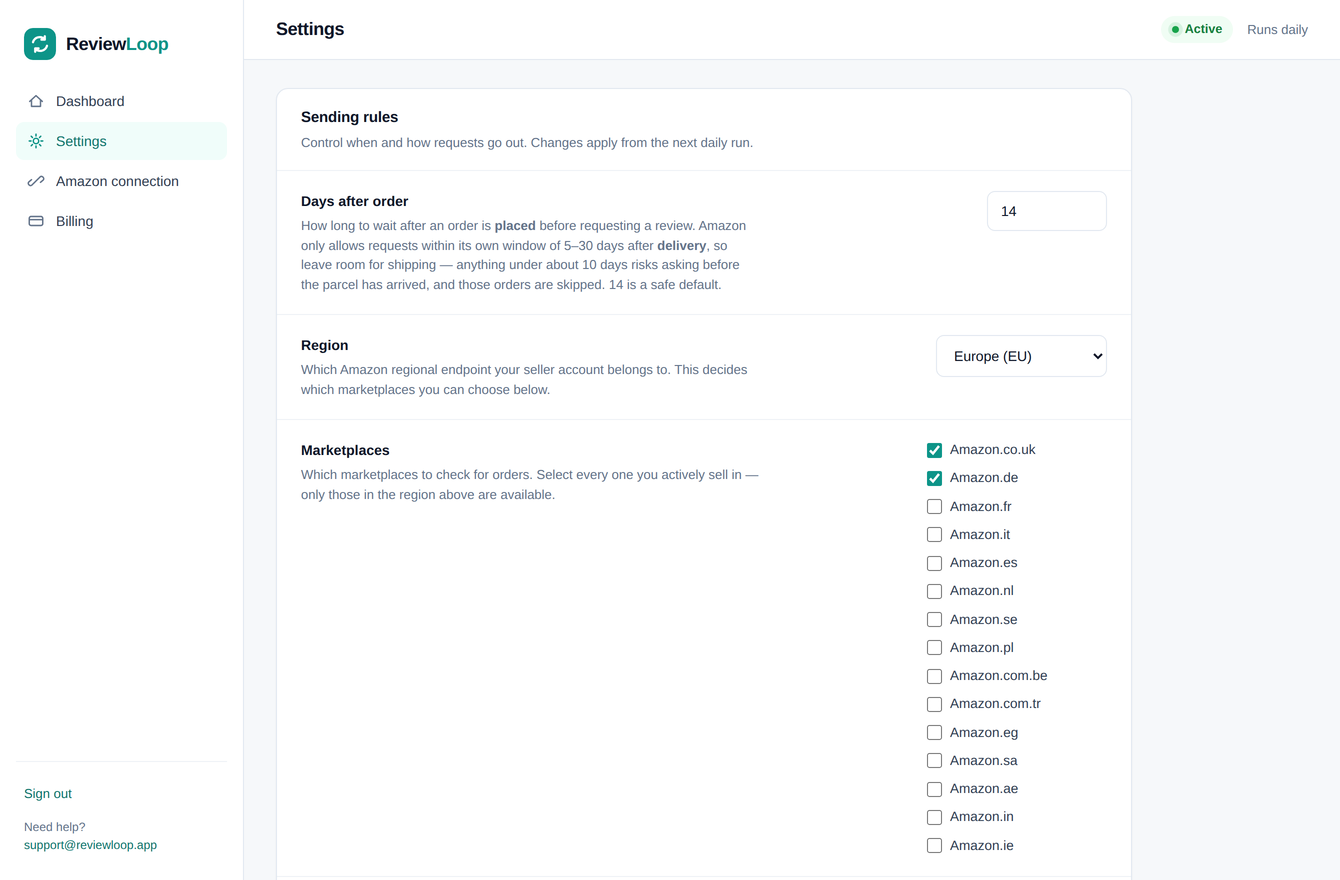
Pick the marketplaces you actively sell in and how long after an order we should ask. Fourteen days is a safe default.
Leave it to run
From then on the requests go out on their own, every day. Nothing is charged upfront — your first 100 requests are free, and after that you’re billed at the end of the month for the requests that actually sent.
What the ReviewLoop actually does
One run a day, per marketplace, in this order.
Orders placed exactly your chosen number of days ago.
Amazon decides. Returned, refunded and out-of-window orders are filtered out before anything is sent.
Amazon sends its own templated message. We never contact your buyer, and never see who they are.
Sent, skipped and failed counts land on your dashboard, with a short summary email each Monday.
Amazon’s own request, and nothing else
Your first 100 requests are free. After that, 2p a request is the whole price list.
Before you start
Is this allowed by Amazon?
Yes. ReviewLoop uses Amazon’s official Solicitations API — the same Request a Review action available in Seller Central. Amazon sends the message itself, using its own template, and decides which orders are eligible.
Will you email my customers?
No. We never contact buyers and never see their details. Amazon sends its own message; we only ask it to.
What happens if an order is returned or refunded?
Amazon marks it ineligible and nothing is sent. Those show as “skipped” on your dashboard, and you’re not charged for them.
When do I have to add a card?
During setup, before the first run. Adding it costs nothing — there’s no upfront charge and no fixed monthly fee, and your first 100 requests are free. After that you’re invoiced at the end of each month for the requests that actually went out. Nothing sends until billing is set up.
How do the 100 free requests work?
Every account’s first 100 successfully sent requests are free. There’s no time limit on them and nothing to claim — they’re used up first, automatically, and the Billing tab shows how many you have left. Skipped orders don’t count towards them. Once they’re gone, it’s 2p per request sent.
Can I sell in more than one marketplace?
Yes. Select every marketplace you sell in within your region, and each order is requested against the marketplace it was actually placed on.
Can I pause it?
Any time, from Settings, without losing your settings or your connection. Nothing sends while paused, so nothing is charged.
Start sending review requests this week
Free to set up, your first 100 requests free, then 2p per request sent — and nothing to pay until you’ve used them.
Create your account